


You can sign up from the website or from the APP
 Website
•
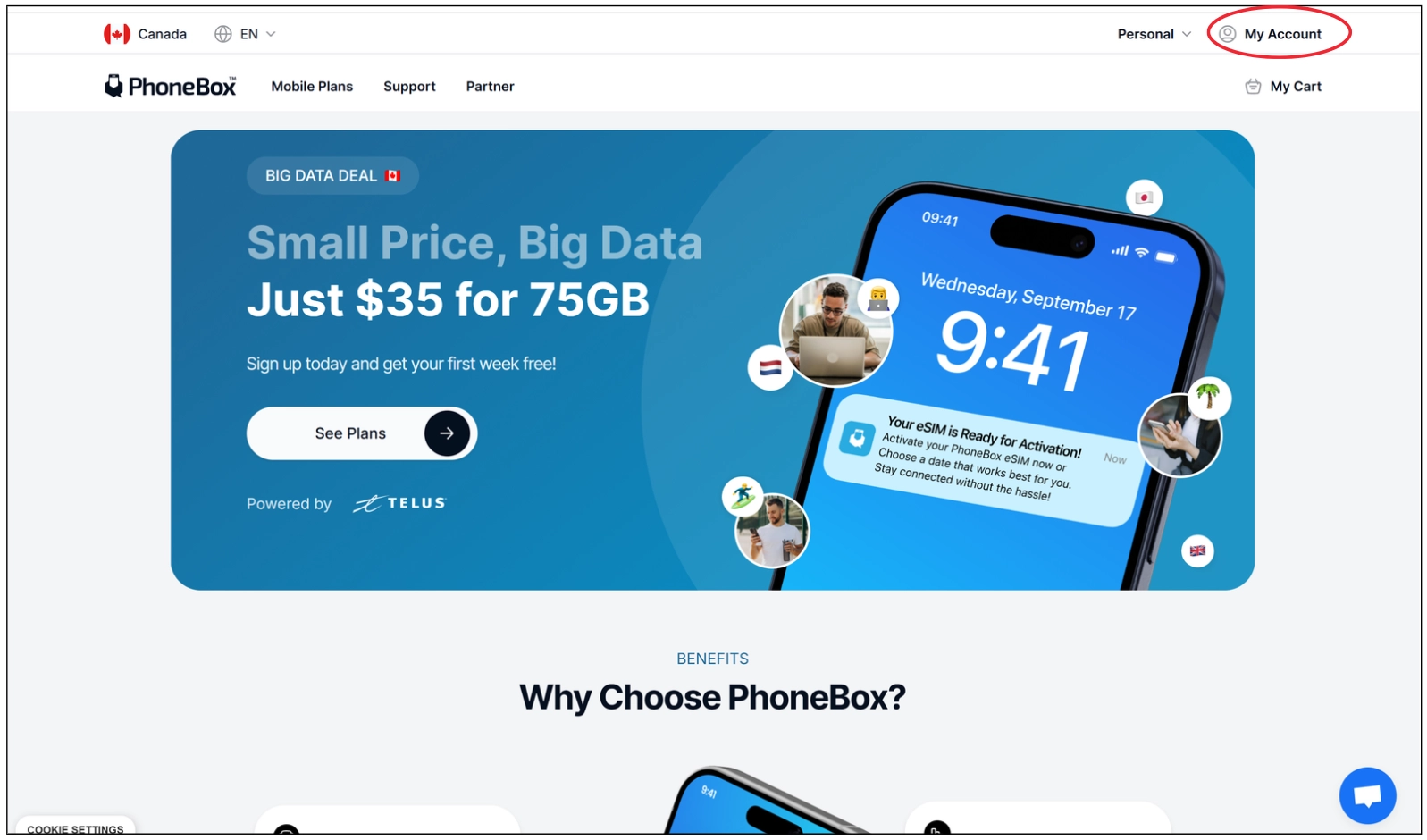
Go to < My Account >
•
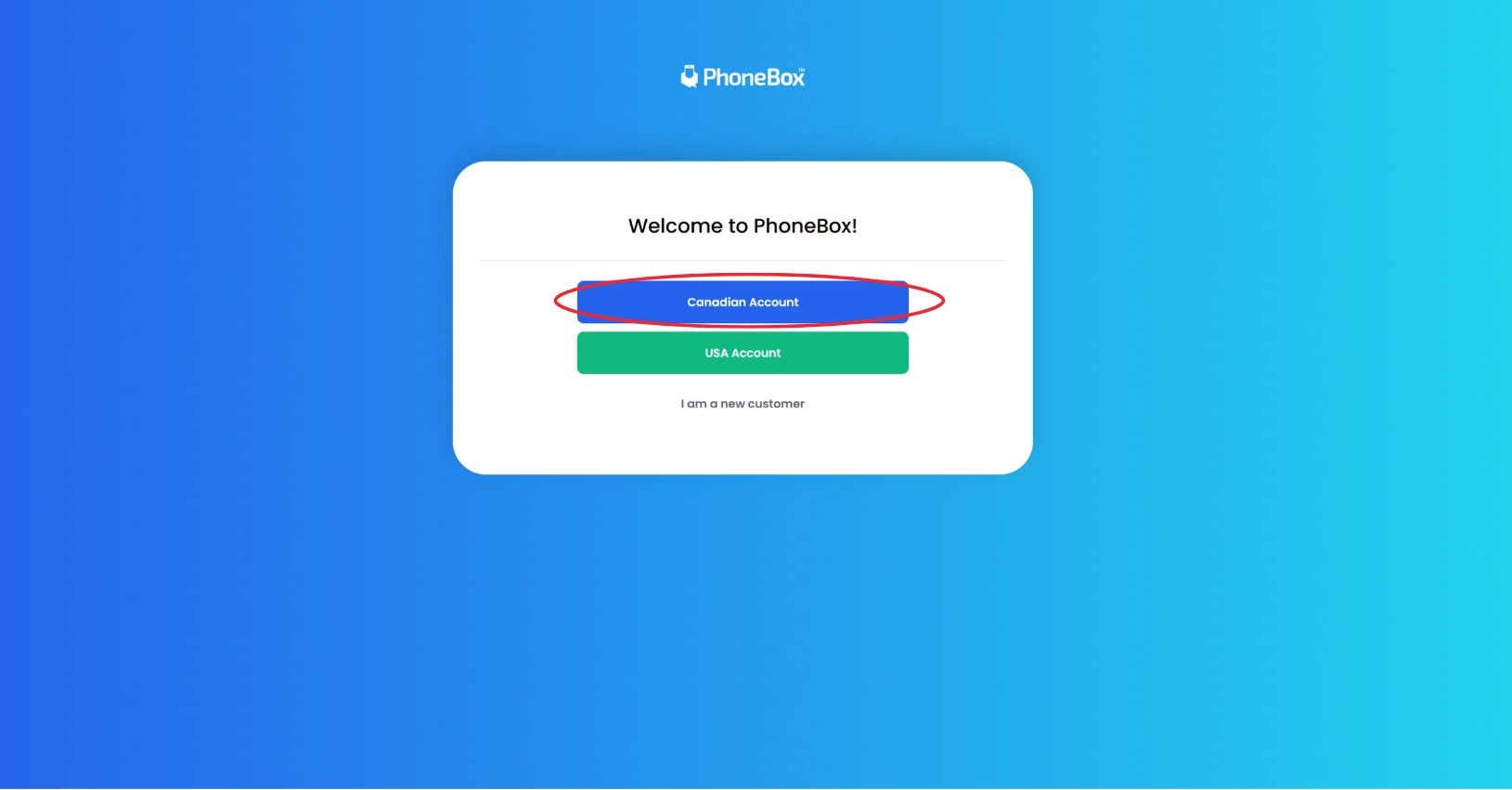
Select Canada phone.
•
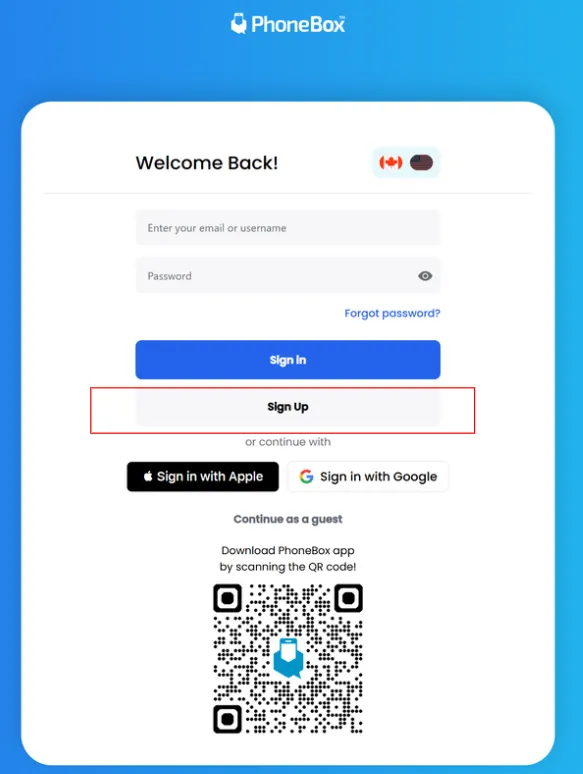
Click < Sign Up>
•
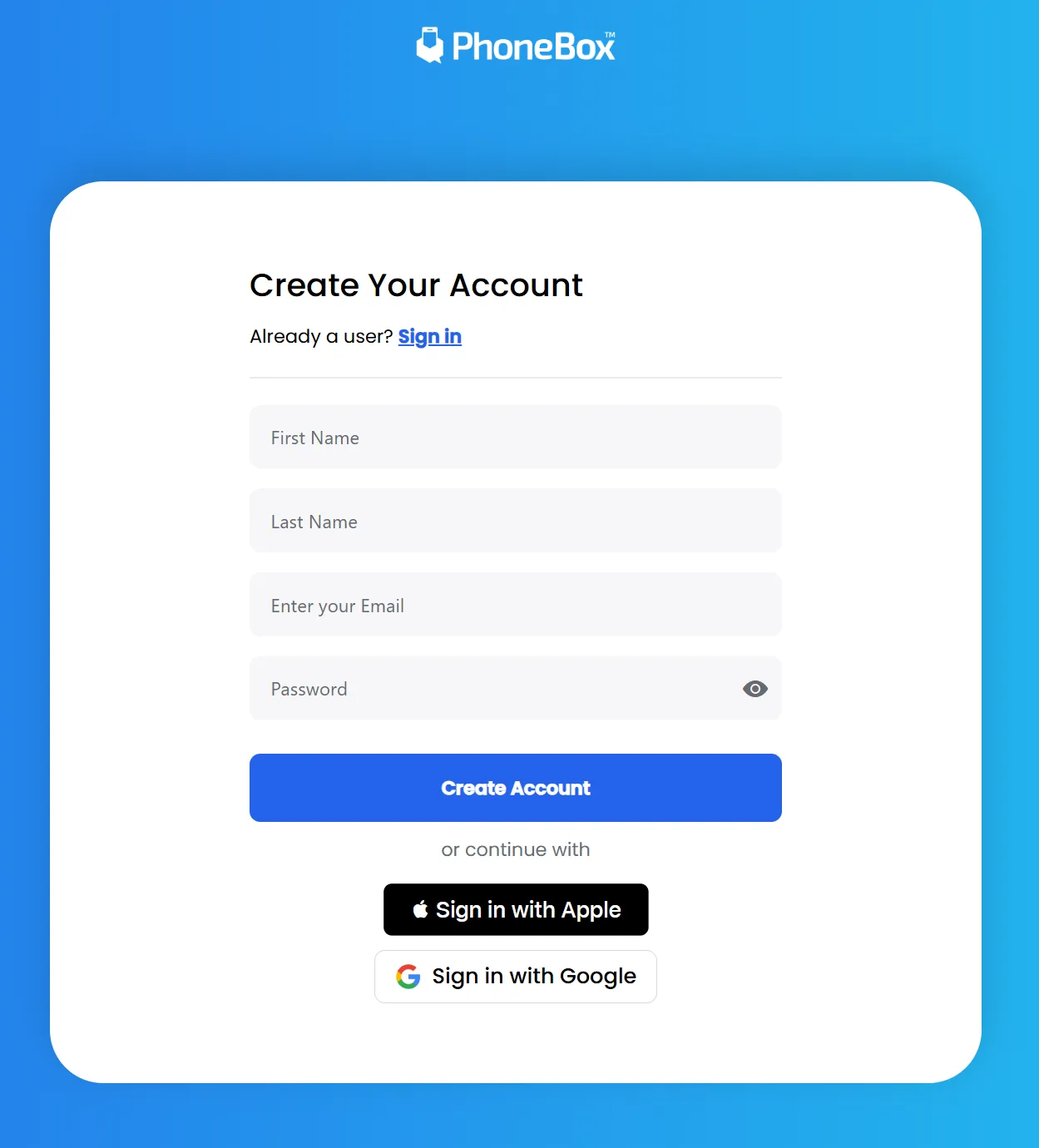
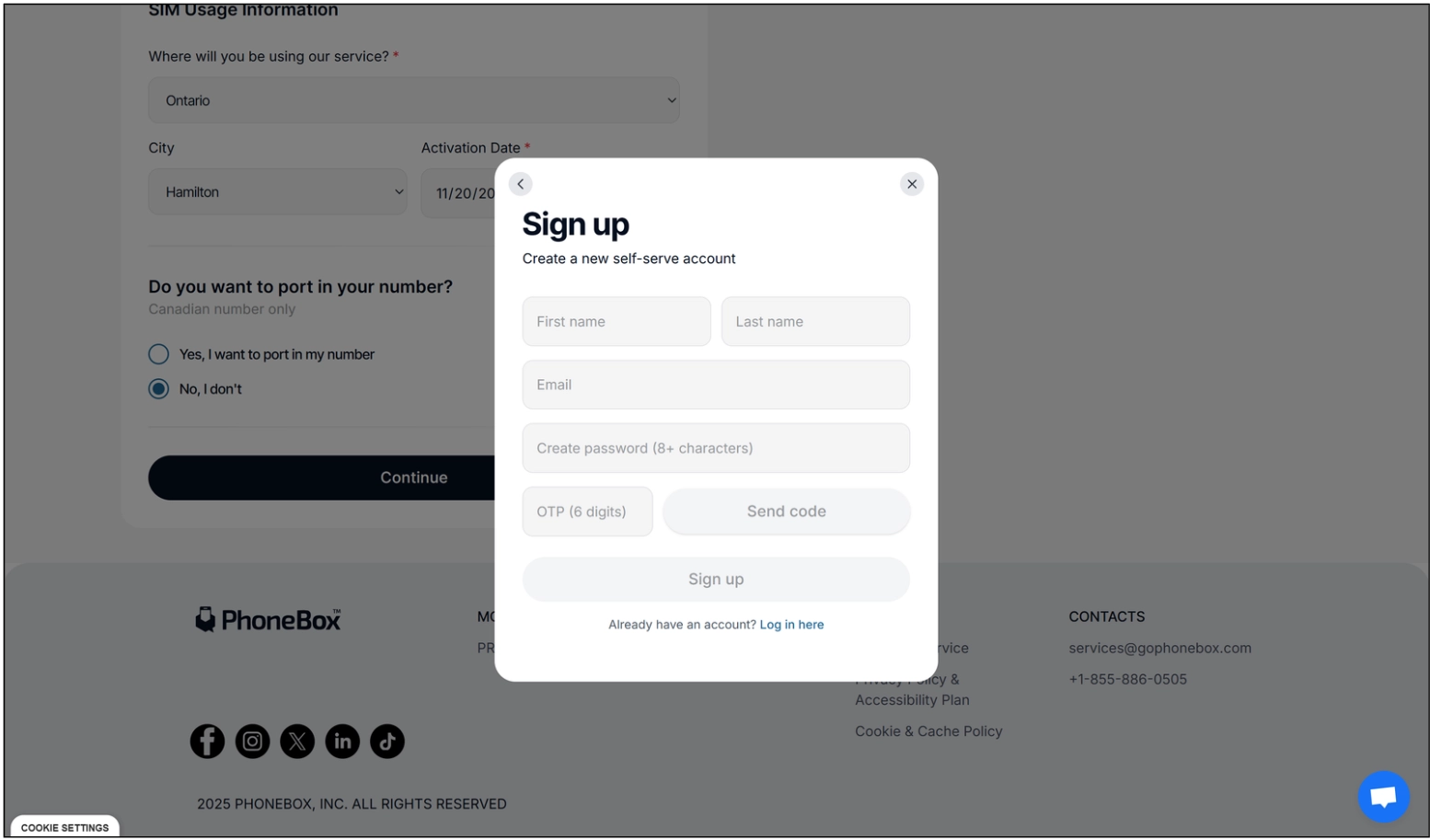
Enter your information < First name, Last name, Email, Password >
You are going to receive a code in your email to verificate your account.
After that you can sign in, and see all your features.
APP
•
Download the app.
•
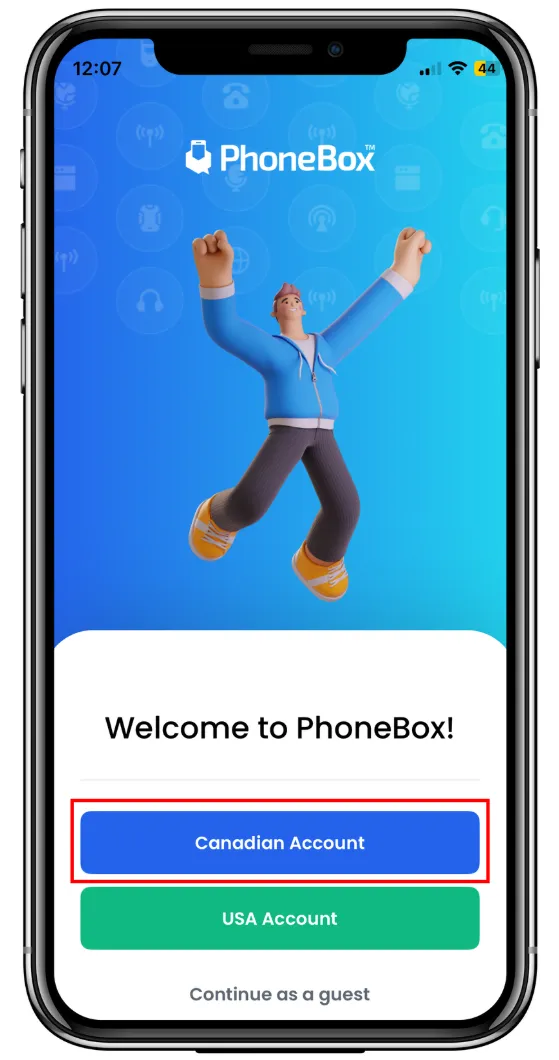
Select the country, in this case Canada.
•
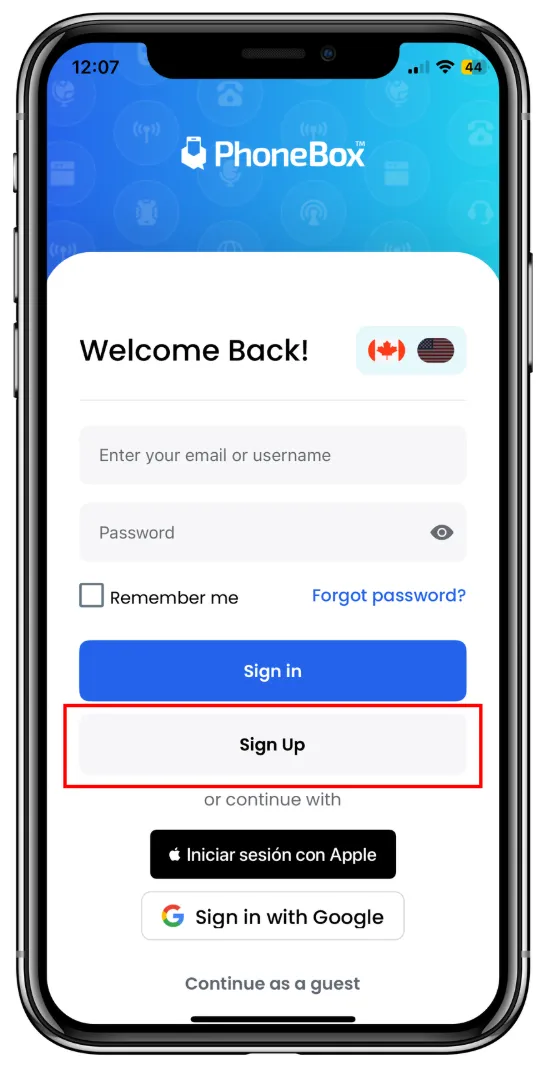
Click <Click sign up>
•
Enter your information < First name, Last name, Email, Password >
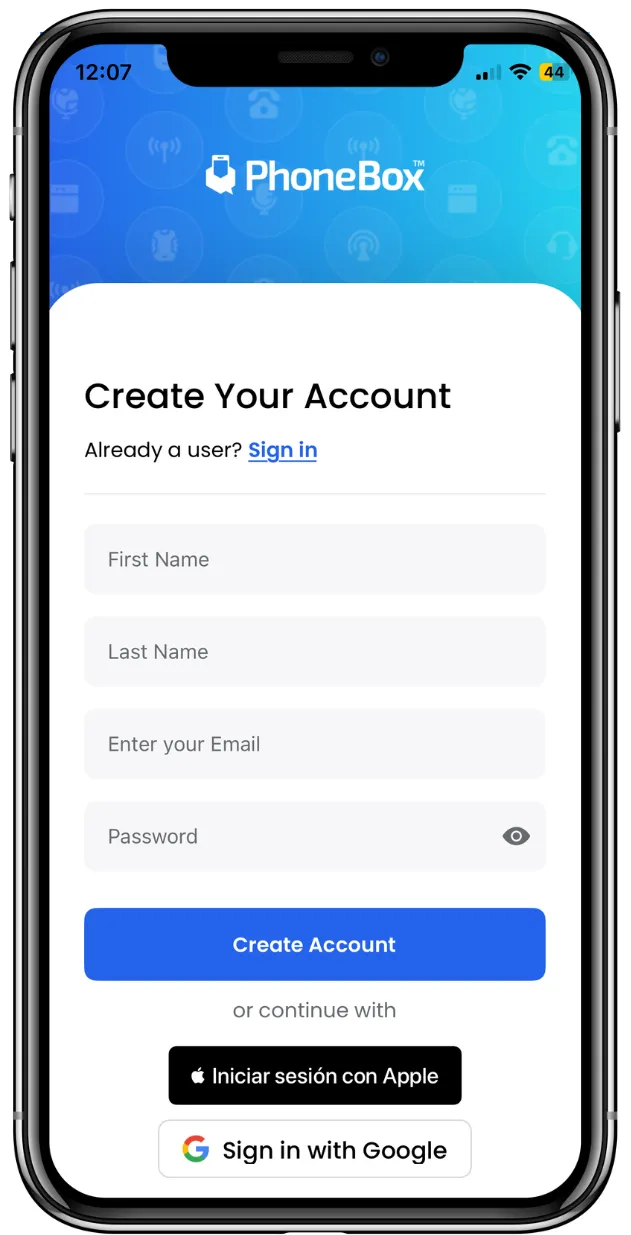
You are going to receive a code in your email to verificate your account.
After that you can sign in, and see all your features.
If you are new user
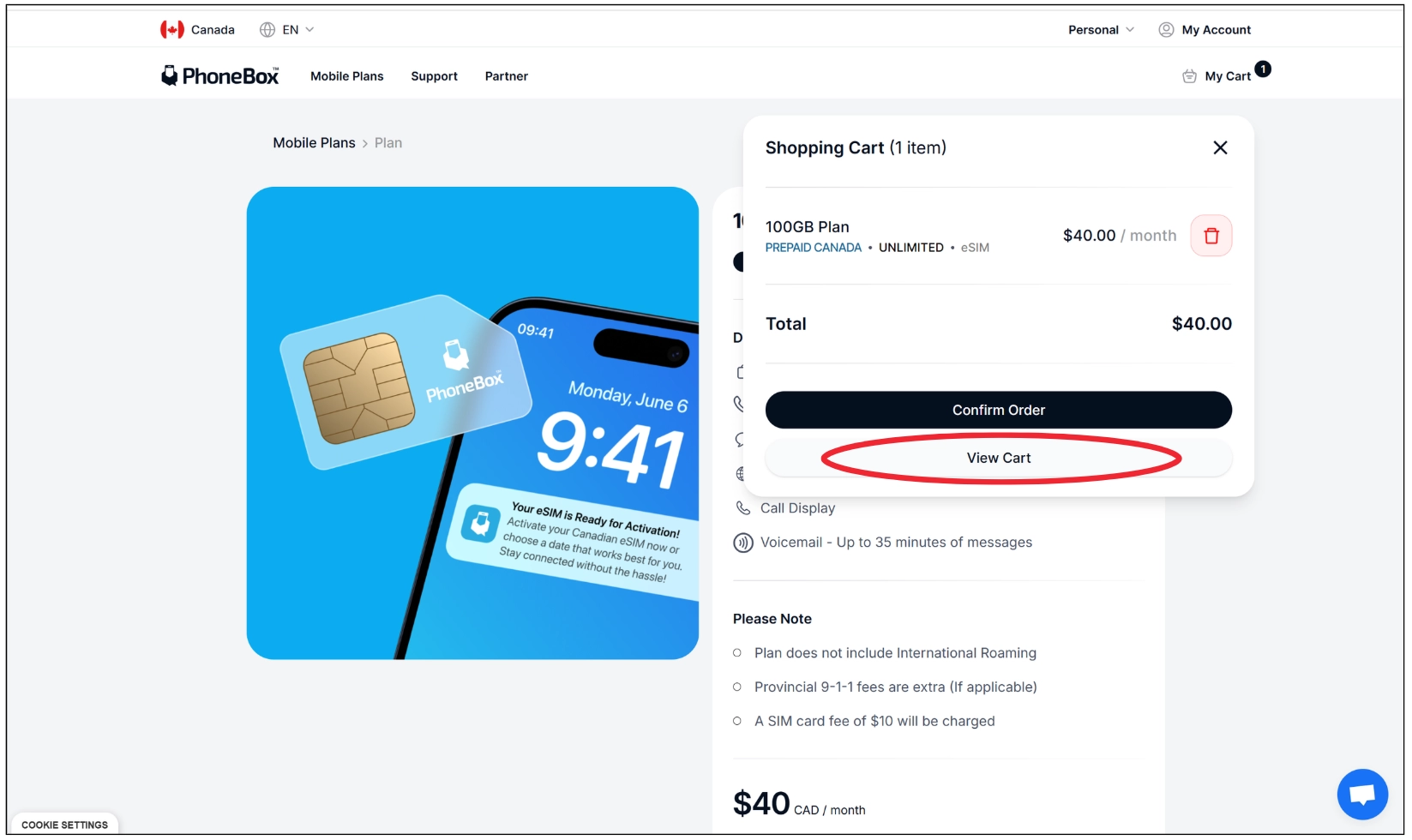
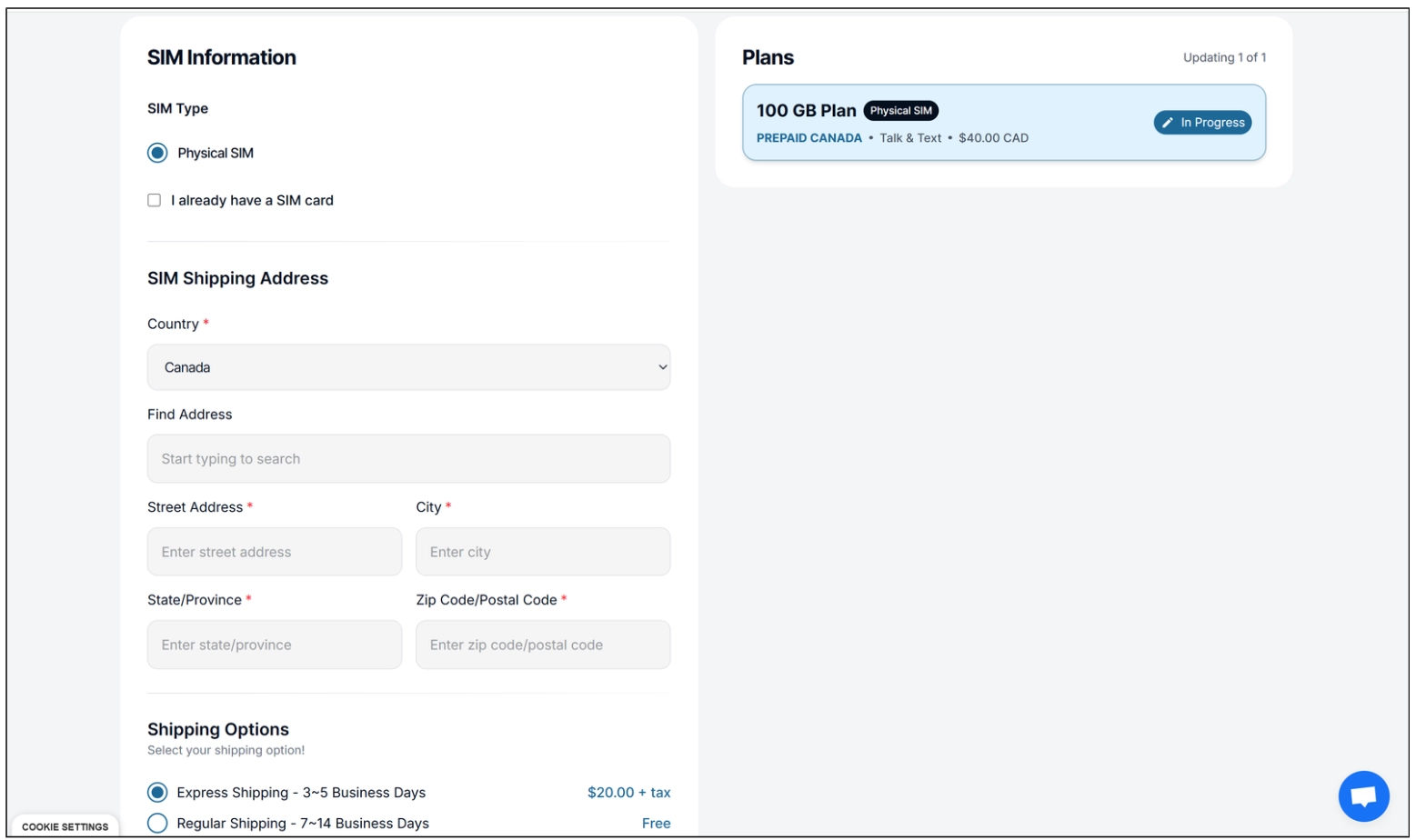
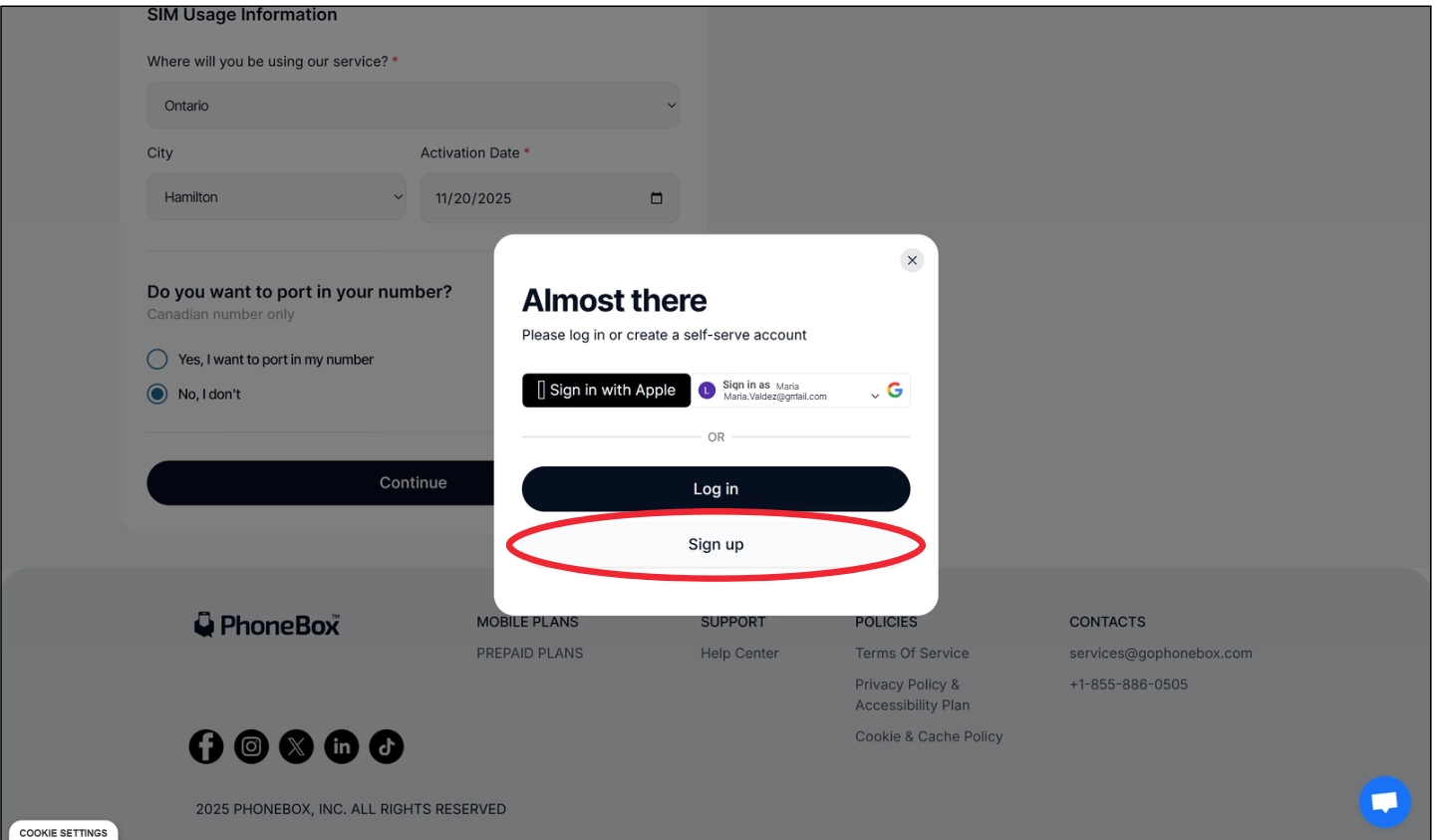
If you’re new to PhoneBox, you’ll be able to create your account during your purchase.
•
•
Complete with your information and click <continue>
•
Click Sign Up and complete with your information.
•
After your purchase you can enter in < My account> and Log in with the same credentials that you’ve use for the Sign up